 Zency Scan
CamScanner alternative with no subscription: pay once, scan forever
Most people scan a few documents a month: a lease, a receipt for a warranty, a form for school. Paying a subscription every week or every year for that is hard to justify. Here is what the popular scanners cost today, and what a pay-once alternative looks like.
Most popular scanners charge a subscription — CamScanner's US App Store listing shows $9.99 a month or $59.99 a year, which adds up to about $180–$360 over three years. If you scan a few times a month, a pay-once app is cheaper: Zency Scan is free to scan and export without a watermark, and Lifetime Pro is $7.99 once.
Why people look for a CamScanner alternative
CamScanner is one of the best-known scanner apps, and it does a lot. The complaints we hear are rarely about scan quality. They are about the business model:
- Recurring cost. In the US App Store, CamScanner lists Premium plans such as $9.99 for one month, $59.99 for one year and a $9.99 one-week option (store listing, November 2026).
- Paywalls at the wrong moment. Scanner apps often ask you to upgrade right when you need the file — at a counter, on a deadline.
- Changing free-tier rules. Watermark and export limits on free plans have changed over time and differ by region, so it is hard to know what you will get without trying.
If you scan rarely, a subscription means paying all year for something you use a few minutes a month.
What a subscription really costs
| Plan | Year 1 | 3 years |
|---|---|---|
| Monthly plan at $9.99 | $119.88 | $359.64 |
| Yearly plan at $59.99 | $59.99 | $179.97 |
| One-time purchase at $7.99 | $7.99 | $7.99 |
Subscription prices from the CamScanner US App Store listing in November 2026 (Premium Account 1 Month $9.99, 1 year $59.99). For OCR, cloud and account differences across CamScanner, Adobe Scan, Genius Scan and Zency Scan, see the side-by-side comparison. Prices vary by country and change over time — always check the store.
What to look for in an alternative
- A clear price. One purchase, or a free tier that is genuinely usable.
- No watermark on free exports. A scan you have to apologize for is not a finished scan.
- OCR that works offline. Text recognition on the device means searchable PDFs without uploading your documents.
- No forced account. You should be able to scan the moment you open the app.
- Easy export. PDF, JPG, maybe Word — and a way to shrink files for email.
Zency Scan: one purchase, no watermark
We built Zency Scan for people who scan sometimes and want it to just work:
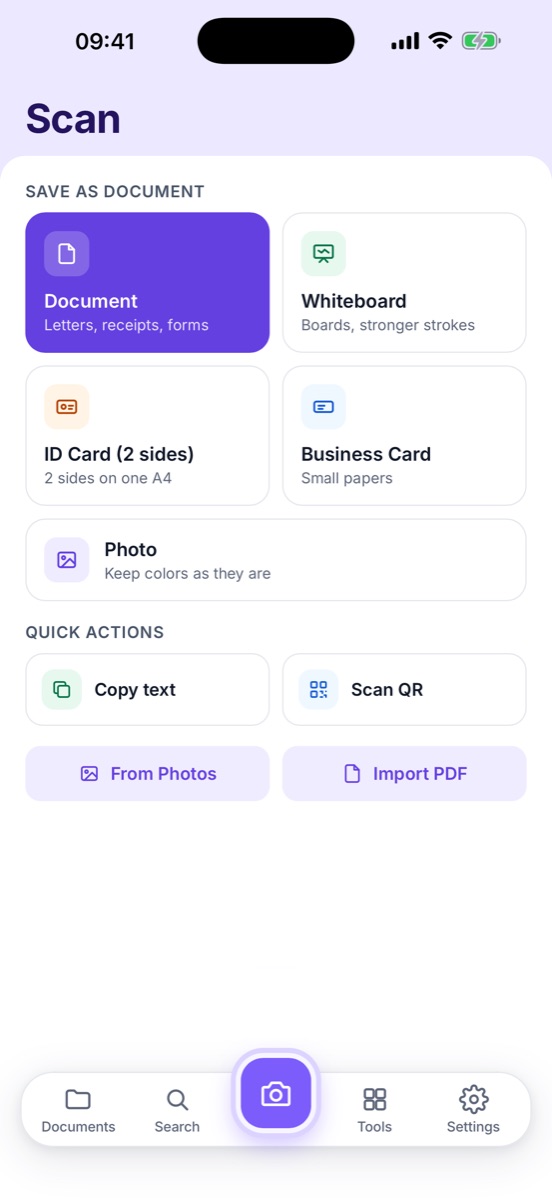
- Free to scan and export — PDF and JPG, no watermark, no limit on scanning.
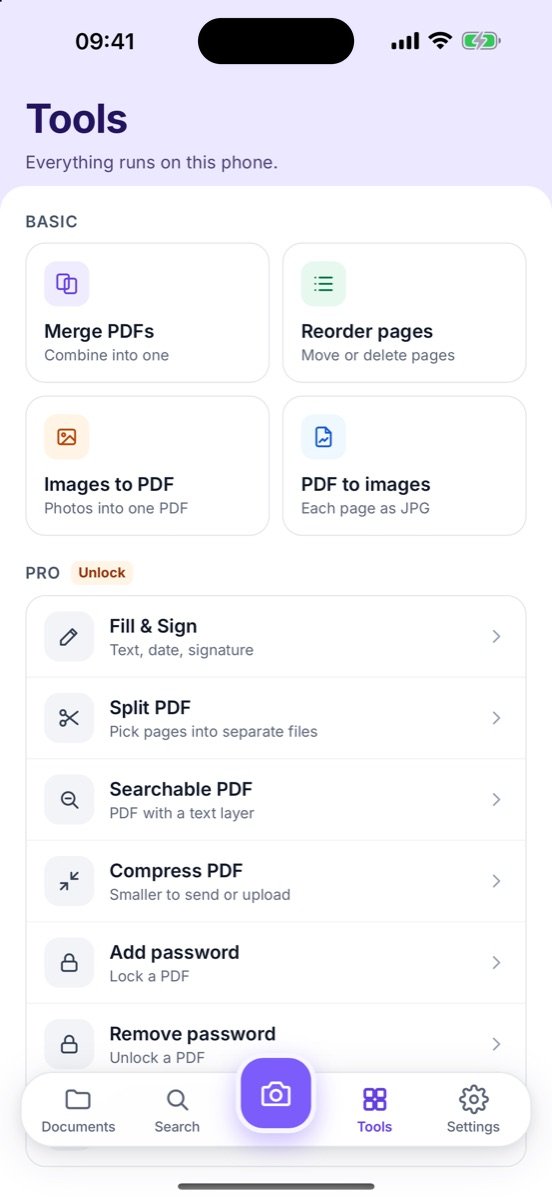
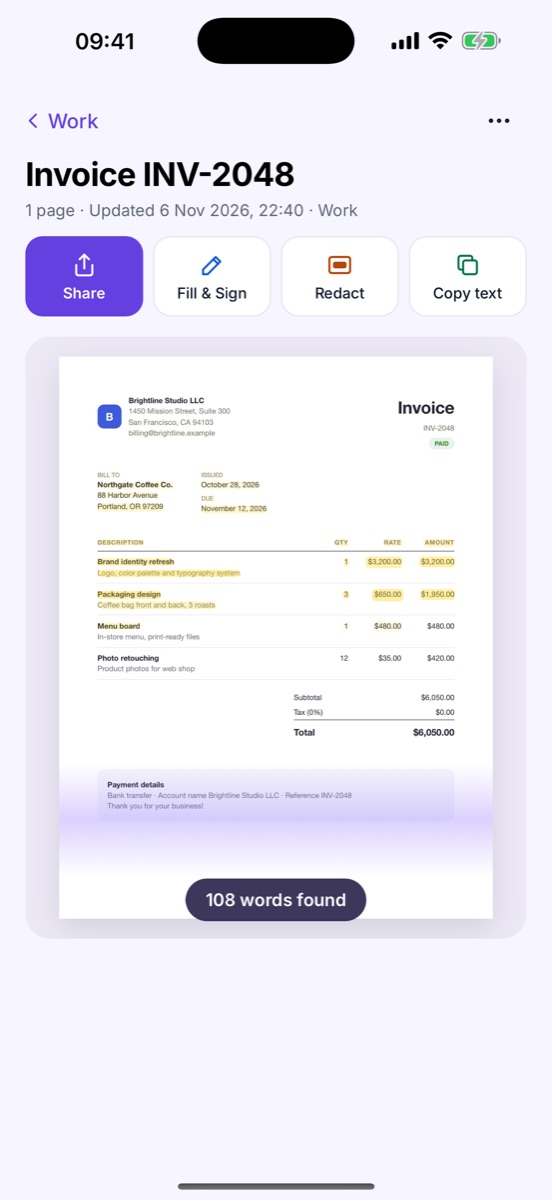
- Your first 20 pages include every Pro feature, so you can try search, copy text, Word export and fill & sign on real documents.
- Lifetime Pro is $7.99, once. No weekly plan, no trial that turns into a subscription. Restore it on a new phone with the same Apple ID or Google account.
- On-device OCR. Every page is read on your phone; nothing is uploaded.
- No account. Open the app and scan.
See the full Free vs Pro comparison.
When a subscription app still makes sense
To be fair: if you need team accounts, syncing across many devices, fax, or heavy business workflows every day, a subscription scanner may be worth it. Zency Scan deliberately does not sync to a cloud — your library stays on your phone, and you move it with a backup file.
Common questions
Is there a free CamScanner alternative?
Yes. Zency Scan lets you scan and export PDF and JPG for free with no watermark. Pro features are a one-time $7.99.
Does Zency Scan work offline?
Yes. Scanning and text recognition run on the device, with no internet needed.
Can I move my scans from another app?
Yes. Export PDFs or images from your old app and import them into Zency Scan; it reads the text on every imported page.
- Scan a document — Capture one or many pages and save them as one PDF.
- Share & export — Send as PDF, JPG or Word; set a target size and paper for PDF and JPG, or add a password.