 Zency Scan
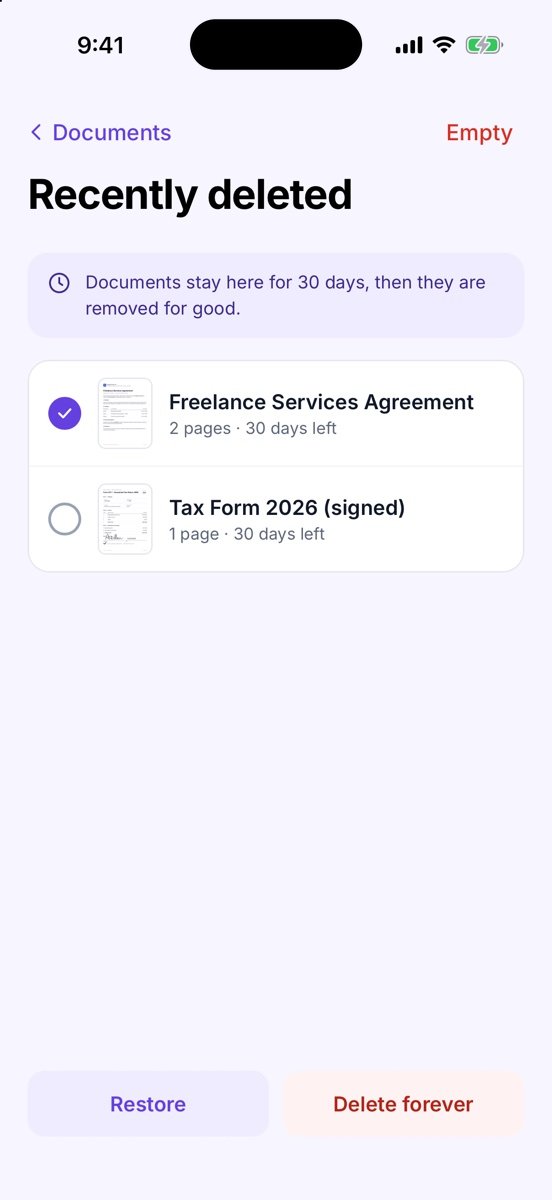
- Open Recently deleted
At the bottom of Documents (shown when something is there), or Settings → Your library → Recently deleted.
- Select the document
Everything deleted in the last 30 days is listed with the days left.
- Restore or delete for good
Tap Restore to put it back, or Delete forever. Empty clears the whole list.
Tips
- After 30 days documents are removed for good — export a backup regularly if you want a long-term copy.
Free or Pro? Recently deleted is free.