 Zency Scan
- Open Tools
Tap Tools in the tab bar at the bottom of the app.
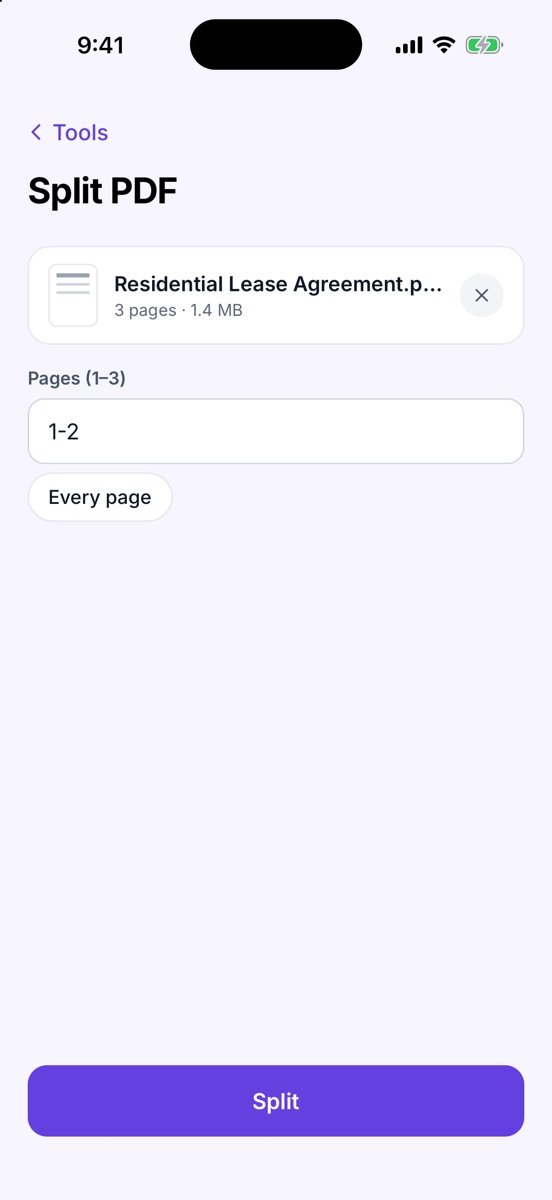
- Tap Split PDF
It is in the Pro group — called More tools once you have Pro. A sheet asks where the file is: From Documents (your scans in Zency Scan) or From Files (a PDF on your phone — from email, iCloud Drive, Google Drive or Downloads).
- Choose the pages
Type them in Pages (1–3), e.g. 1-2 or 1-3, 5. Or tap Every page to get one file per page.
- Split
Tap Split.
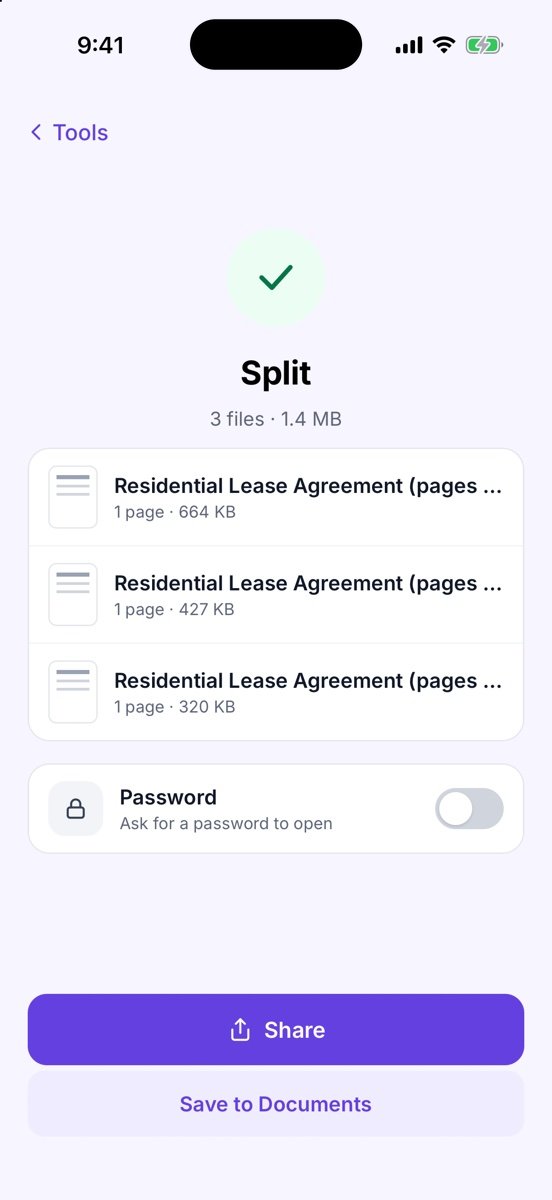
- Share or save the result
You see Split and the new files, named like Lease (pages 1-2).pdf. Turn on Password if the new PDF should ask for one. Tap Share to send it, or Save to Documents to keep it. The original file is never changed.
More screens
Tips
- Saving several files to Documents puts them in a new folder named … – split.
- Enter pages like 1-3, 5 within the document’s page count. means a page number is out of range.
- Still too big? Run Compress PDF on the result.
- Password-protected PDF? The tool asks for the password (Password required), then carries on. Under Password when sending you can keep the same password on the result, remove it or set a new one.
Free or Pro? This is a Pro tool. It is included while you add your first 20 pages, so you can try it on a real document; after that it needs Lifetime Pro ($7.99 once, no subscription).
See it in a real situation: Job application asks for one PDF? Combine diplomas, certificates and references.